Changing lives for years…
Give Now
Support the ministries of
First Lutheran
and the wider church
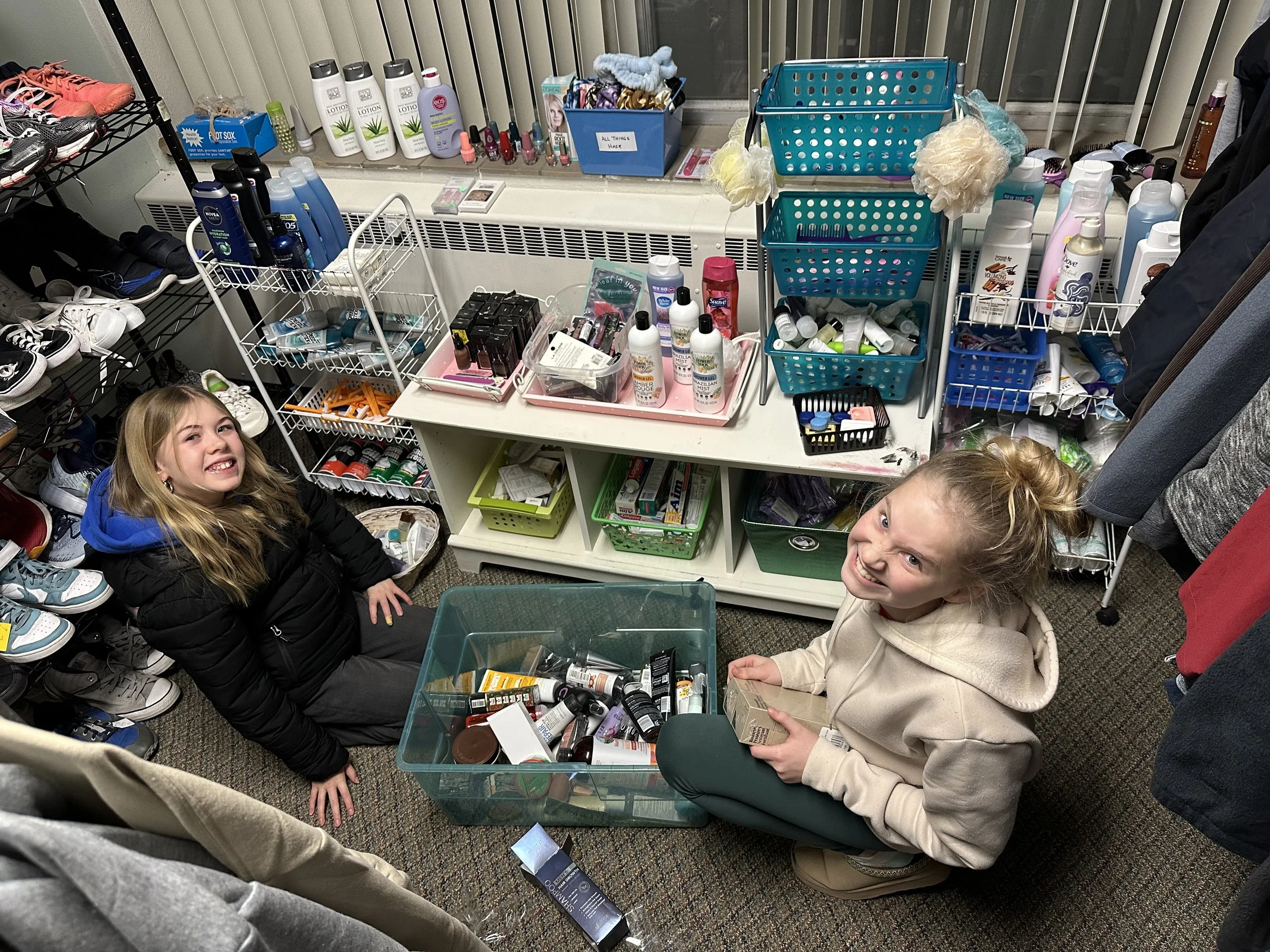
It has become our tradition at First to challenge ourselves to do more. When we exceed the financial goals we set to cover First’s budget, we give gifts to groups like Hope Restores, the Reach Collaborative, The Hunger Task Force and Safer Families for Children… thanks to everyone who supports the mission here at First Lutheran.
In 2026, with increased giving of $30,000, we will call a visitation pastor to join our staff, and gift $10,000 each to Sugar Creek and the Hunger Task Force.
In 2026, you are invited to increase your giving so that First Lutheran can once again not only meet the needs of everyday ministry, but also be able to generously support important work locally and globally.
Online Giving
First wants to make supporting our mission easy for members. That's why we are happy to offer the ability to manage your giving online. Giving online is easy, secure and allows you to set up automatic recurring contributions and view your complete online giving history from anywhere you have access to the Internet.
Click GIVE HERE to get started!
Changing Your Giving
One of the benefits of setting up scheduled automatic giving is that you can make changes at any time—whether it be the amount, frequency or date—from any phone or computer, without having to contact the church. But it might not seem straightforward.
THE BASIC METHOD IS THIS: you need to log into your account and edit your current transaction.
The steps in the expandable block below are provided to help with that (these assume you already have signed up for a giving account and have given in the past):
-
Click on the Profile link along the upper right.
Click on the Transaction section in the menu along the left column.
Under the Scheduled tab, you should see all of your scheduled transactions (typically there is just one). Click on the word Edit at the bottom of the scheduled transaction.
In the window that pops up, you can change the amount (you can also change the Frequency, Next Date, End Date and Payment Method).
-
Click on the Profile link along the upper right.
Click on the 3 lines/hamburger menu button in the upper left
Choose Transactions from the pop-up menu
Under the Scheduled tab, you should see all of your scheduled transactions (typically there is just one). Click on the word Edit at the bottom of the scheduled transaction.
In the window that pops up, you can change the amount (you can also change the Frequency, Next Date, End Date and Payment Method).
Frequently Asked Questions
-
Log into you giving account using the GIVE HERE button above (or click HERE to log in).
Click on the Transaction section on the left column.
Under the Scheduled tab, you should see all of your scheduled transactions (typically there is just one). Click on the word Edit at the bottom of the scheduled transaction.
In the window that pops up, you can change the Next Date and the End Date (optional). (You can also change the amount as well, if you want).
-
To do that, you will need to add two transactions to your basket. NOTE: As of 2024, we currently do not have a capital campaign to direct gifts to.
Give by Text
You can make a contribution to First Lutheran with a quick text message.
Simply send a text to 608.422.4771 with the amount you would like to contribute. Make sure to include the dollar sign before the amount (example: $25).
Within a few minutes, you’ll be sent a text with a link to register. Click on the link and enter your cardholder name and credit or debit card information.
Once your registration is complete, you will receive a text verification and a receipt via email.
For future giving, simply send a text with the amount you wish to give and it will process automatically; no need to enter card information and register a second time!
Charges are not sent to your mobile provider, but to the credit card that you set up during the one-time registration process that follows your first give by text.
-
Assist or #Assist: Sends instructions to the donor via text.
Edit or #Edit: Allows donors to edit their name, payment method, address and email.
Repeat or #Repeat: after you've made a donation to make it recurring
Schedule or #Schedule: to set up a recurring donation if you have yet to make a donation via Give by Text
Questions regarding how online giving and giving by text works?
Contact our webmaster, Andy Stutesman, at andy@firstlu.org.
Questions about your giving and/or quarterly and annual statements?
You can view that by logging into your giving account or by logging into our online directory.
But you can also contact Jessica Seebach, our Office Administrator, at office@firstlu.org or 608.783.2236.